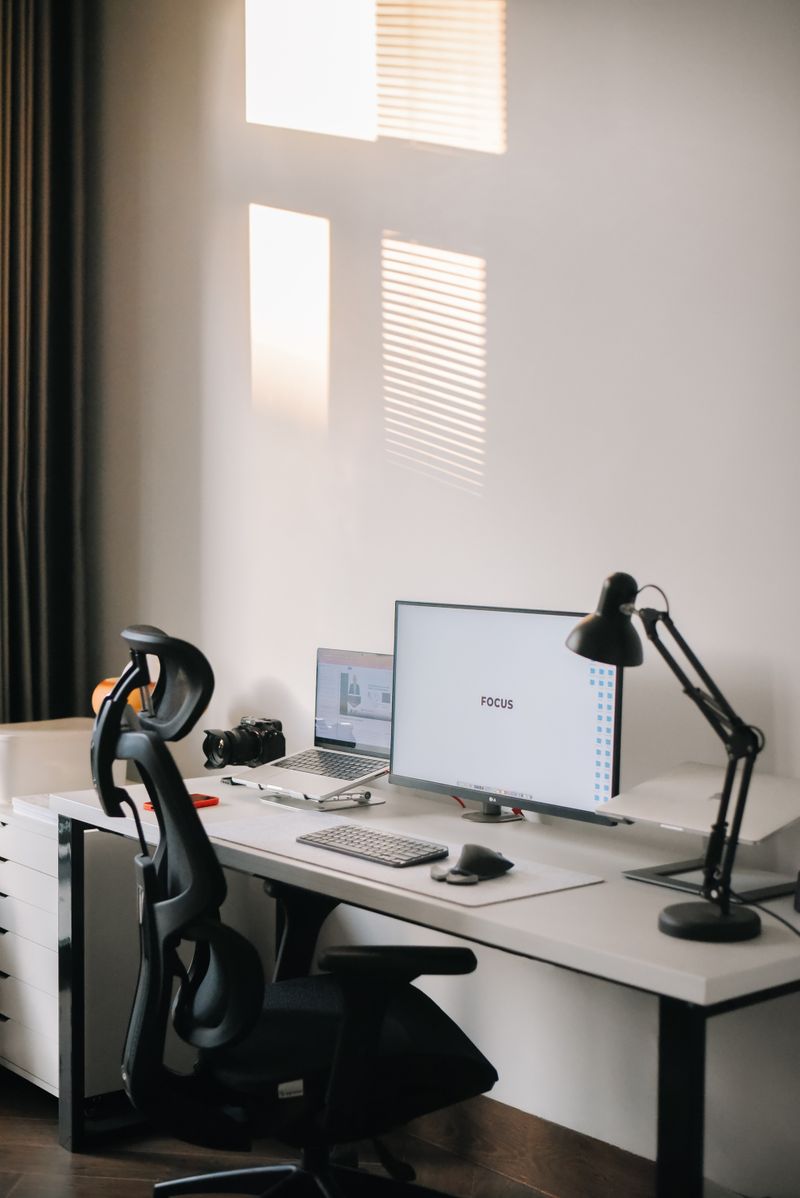
Chair support matters more than chair price
A frequently repeated ergonomics principle is that lumbar support and adjustability matter more than price point alone. A mid-range chair with proper lower back support and adjustable height can outperform an expensive chair that doesn't fit your body.
Monitor height and distance
A commonly cited ergonomic guideline is positioning a monitor so the top of the screen is roughly at or slightly below eye level, about an arm's length away, to reduce neck strain during long work sessions.
Keyboard and wrist position
Keeping wrists in a neutral, straight position while typing — rather than bent up or down — is a widely recommended way to reduce strain. A keyboard tray or an adjustable desk height can help achieve this.
What to prioritize on a limited budget
If budget is limited, ergonomics guidance generally suggests prioritizing chair support and monitor height first, since posture-related strain tends to build up gradually over months of daily use.
- A lumbar cushion for an existing chair
- A monitor riser or stack of sturdy books to raise screen height
- An external keyboard for laptop users, to allow proper monitor height separately from typing position